Printing bright, clear colors on labels can make a big difference for businesses. Whether you want to show off your brand or make your products stand out, using the right kind of labels matters a lot. At HYLABEL, we focus on making inkjet and A4 laser labels that help you get sharp, colorful prints every time. These labels work well with printers you might already have, and they make your designs look alive and fresh. It’s not just about looking good, but also about making sure the labels stick well and last long. Different printers need different types of labels, so knowing which one fits your needs is important. Let’s dig deeper into what makes high-quality inkjet and A4 laser labels special and how you can pick the best ones for your packaging.
High-Quality Inkjet & A4 Laser Labels for Vibrant Color Printing
When you print with inkjet or A4 laser printers, the paper or label you use changes how colors show up. At HYLABEL, our inkjet labels are made to soak up ink just right, so colors don’t run or blur. Imagine printing a bright red apple or a deep blue ocean. Our labels keep these colors sharp and glowing. For laser printers, the heat melts toner powder onto the label, so the label’s surface must handle heat without curling or melting. Our A4 laser labels have a smooth, heat-resistant coating that stops smudges and keeps colors vivid. Using the wrong label can make colors dull or cause the print to peel after a short time. For example, if you print a colorful logo on a label that isn’t designed for laser printing, the toner might not stick well, causing edges to fade or flake. We carefully test our labels to make sure they work with many printer brands and models, giving you a worry-free experience. Plus, our labels come in different finishes – like glossy for shiny effects or matte for a soft look – so your prints can match your brand style. The thickness of the label also matters; thicker labels feel more professional but might not work in all printers. Our team knows these details well and helps you pick the perfect product. Color printing is an art, and with the right label from HYLABEL, your images come alive, catching eyes and making your products shine.
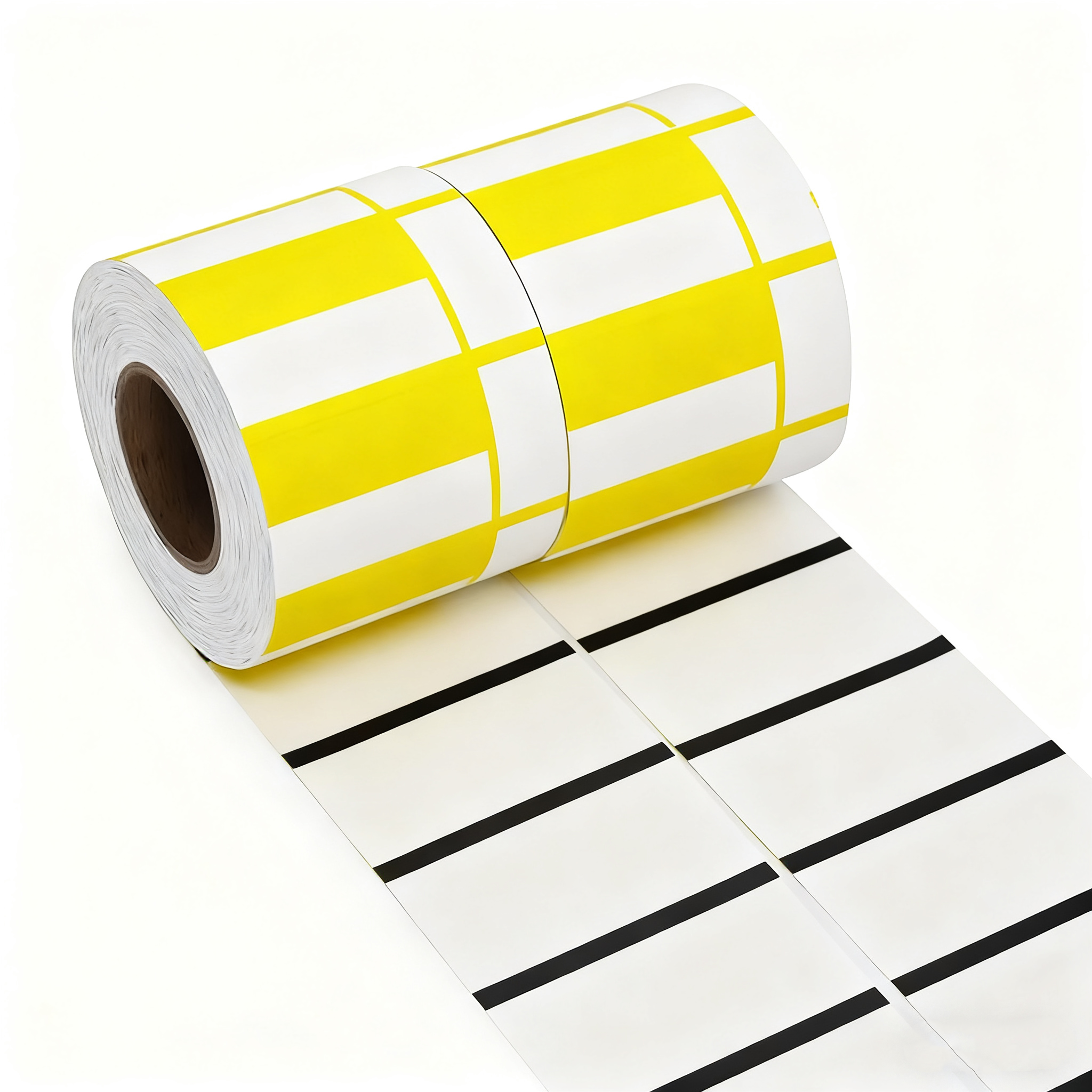
How to Choose the Best Inkjet and A4 Laser Labels for Wholesale Packaging
Picking the right labels for your packaging can feel tricky, but it doesn’t need to be. First, think about the printer you have. Inkjet labels and laser labels are made differently because their printing process is different. If you use an inkjet printer, labels need to absorb liquid ink quickly, so it doesn’t smear. For A4 laser printers, labels must handle heat and toner powder, so they don’t curl or peel. Next is the type of material. Paper labels are common and affordable but might not be best if your package faces moisture or rough handling. Synthetic labels, made from plastics, resist water and tearing, good for shipping or outdoor use. HYLABEL offers both kinds, so you can find what fits your product. The size and shape of the label are also important. A label too big or too small can make your package look off. For wholesale packaging, picking standard sizes like A4 sheets helps speed up printing and cutting. But if you want a special look, custom shapes are possible too. Adhesive strength matters too. Some labels peel off easily, which is bad for shipping or stores. Others stick firmly but can’t be removed without damage. HYLABEL’s labels come with different adhesives to match your needs. Also, consider the finish you want. Glossy labels catch light and look bright, matte labels feel smooth and less shiny. Depending on your brand image, one might suit better. Lastly, price is always a factor. Buying labels in bulk saves money, but cheap labels might cause problems with print quality or sticking, leading to wasted packages. It’s better to choose labels that balance cost with quality. We at HYLABEL try to provide options that give you the best value without cutting corners. When you think about all these points, choosing the right label becomes easier, and your packaging will look professional and last long on shelves or during shipping.
Common Issues with Inkjet & A4 Laser Labels and How to Avoid Them
When using inkjet and A4 laser labels for printing bright and colorful designs, many people face some common problems. One of the biggest problems is that the colors might look blurry or faded. This can happen because the ink or toner does not stick well to the label’s surface. For example, if the labels are not made for inkjet or laser printers, the colors may run or not dry fast enough. Another issue is that the labels can get wrinkled or peeled off after printing. This shipping luggage tags happens when the paper is too thin or not strong, making the labels easy to tear. Also, sometimes the printer settings are not right, which can cause colors to print too dark or too light. When printing on A4 laser labels, heat from the printer can sometimes cause the labels to curl or stick inside the machine. This can damage the printer and waste labels.
To avoid these problems, it is important to use the right labels made especially for inkjet or laser printers. At HYLABEL, we provide high-quality labels that work perfectly with both types of printers. Our labels have a special coating that helps colors stay bright and dry quickly, preventing smudges or fading. Also, make sure to choose labels that are thick enough to stay strong but still flexible to avoid curling. Before printing, always check your printer settings and select the correct paper type. This helps the printer use the right amount of ink or toner. Finally, store your labels in a dry and cool place to keep them in good condition. By following these simple steps and using HYLABEL’s specially designed labels, you can print beautiful and clear color labels every time without common problems.
Benefits for Large-Scale Color Printing
Printing many colorful labels at once can be tricky, but using the right labels makes a big difference. Large-scale color printing means printing a lot of labels quickly, often for things like product packages, school projects, or events. When you use HYLABEL’s inkjet and A4 laser labels, you get many benefits that help your printing work be easier and better. First, our labels are made to handle both inkjet and laser printers, so you don’t need to buy different labels for different printers. This saves money and makes it simple to print lots of labels in one go. Our labels are also designed to dry fast, which means you can print many sheets without waiting for the ink to dry. This personalized luggage labels speeds up your work and helps you finish big jobs faster.
Another benefit is that HYLABEL’s labels stay bright and sharp, even when printing in full color. This is important because colorful labels attract more attention and make products or projects look professional. Our labels also resist smudging, so your printed images stay clean and clear. Since they are strong and durable, the labels won’t tear or peel off easily during handling or shipping. This means your labels can protect your information and look good for a long time. Using HYLABEL’s inkjet and A4 laser labels also helps reduce waste. Because the printing quality is high and the labels are reliable, you don’t have to throw away many sheets or start over. This saves paper and money, making your printing more eco-friendly and cost-effective. Overall, HYLABEL’s labels make large-scale color printing easier, faster, and better, helping you get great results every time.
Solutions for Smudge-Free Results
One of the biggest worries when printing color labels is smudging. Smudges happen when the ink or toner does not dry or fix properly on the label surface, making the colors look messy or dirty. Thankfully, there are easy ways to get smudge-free results when printing with inkjet and A4 laser labels, especially if you use HYLABEL’s products. First, always use labels that are made for your type of printer. HYLABEL’s airline luggage labels have special coatings that help the ink or toner stick well and dry quickly. This stops the colors from running or smearing after printing. Another important step is to wait a little while after printing before touching the labels. Even with fast-drying labels, giving them a minute or two helps the colors set better and reduces smudging risks.
You can also check your printer settings to improve print quality. For example, choosing a higher print resolution and the correct paper type tells the printer to use the right amount of ink or toner. Too much ink can cause smudging, while too little ink can make colors fade. Using the right settings balances the colors and prevents smears. If you print many labels, try to handle them carefully as soon as they come out of the printer. Avoid stacking them immediately or rubbing the surface. Instead, place the sheets on a flat surface and let them dry fully before using or sticking the labels. Finally, keep your printer clean and well-maintained. Dust or leftover ink inside the machine can cause uneven printing and smudges. HYLABEL’s labels work best with a clean printer, helping you get smooth and clear color prints every time. By following these simple solutions and choosing HYLABEL’s inkjet and A4 laser labels, you can say goodbye to smudges and enjoy beautiful, professional-looking color prints.