


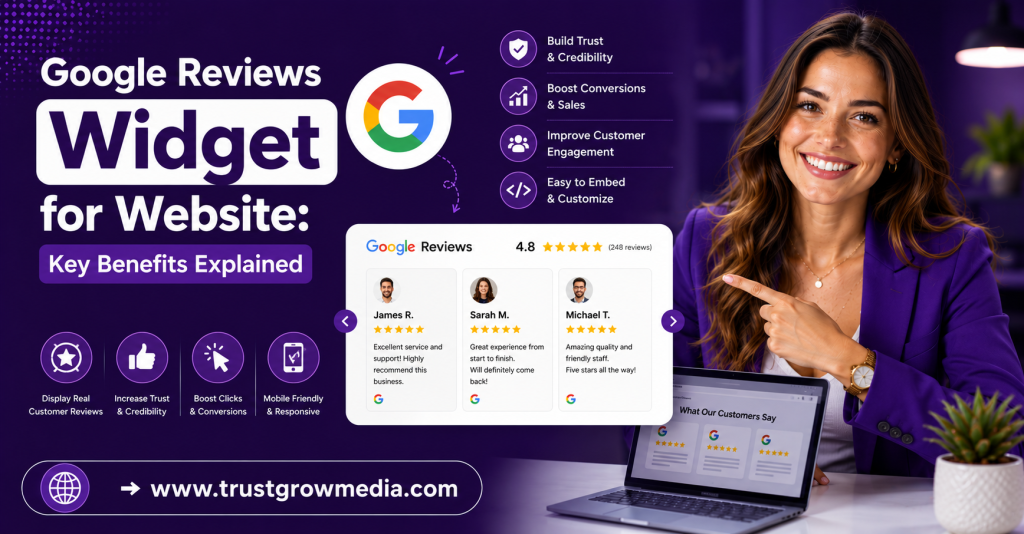
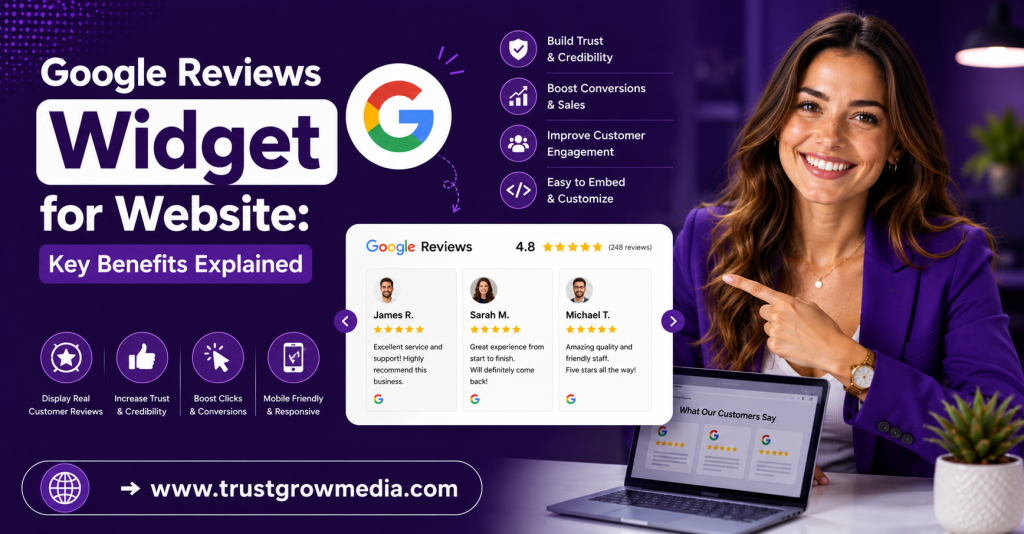
Discover the key benefits of using a Google Reviews Widget for a website. Boost your credibility and engage visitors with authentic customer feedback!
Key Highlights
- A Google Reviews Widget helps you turn customer reviews into visible social proof on your website.
- It pulls review content from your Google Business Profile and displays it in a simple, trusted format.
- Showing real feedback can support better conversion rates and encourage more sales.
- Many tools offer no-code setup, so you can publish review widgets fast.
- Free and paid options differ in features, design control, and review syncing.
- A good widget can also strengthen your online presence and support search visibility.
Introduction
A Google Reviews widget allows you to showcase authentic customer feedback directly on your website without requiring visitors to leave the page. Besides enhancing credibility, it can improve engagement, boost conversions, and strengthen your brand’s online presence. This guide explores the key benefits of using a Google Reviews widget and how to choose the right solution for your business. For additional reputation management insights, TrustGroowMedia continues to support businesses with proven online growth strategies.
Understanding Google Reviews Widgets for Websites
A Google reviews widget is a website tool that displays customer reviews from your Google Business listing in a clean, readable format. Many businesses use review widgets to show real feedback where it matters most, on pages visitors already view when deciding whether to contact, book, or buy.
That simple addition can strengthen your online presence. Instead of asking people to leave your site and check Google My Business, you bring that proof directly to them. In the next sections, you’ll see how these widgets work and what features make them useful.
What is a Google Reviews Widget and How Does It Work?
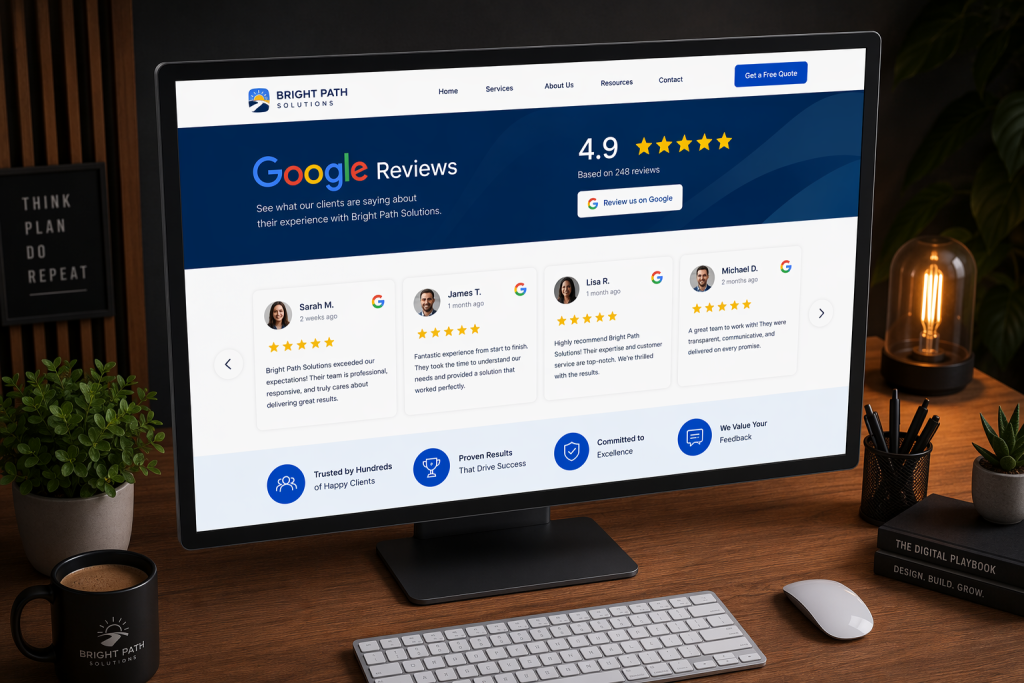
A Google Reviews widget is a small tool that displays Google reviews from your Google Business Profile on your website. Businesses use these review widgets to highlight public feedback, show star ratings, and add visible trust signals without sending visitors away from key pages.
Here’s the basic process. You sign up for a widget tool, connect your Google Business Profile, and let the platform pull your reviews. Some tools rely on the google places api, while others use an official Google Business API connection. That difference matters if you want a more professional setup and automatic syncing.
To embed Google reviews on your website using a widget, you usually just copy the generated code and paste it into your site. Many platforms support one-code installation, so even non-technical users can publish reviews quickly and keep them updated with minimal effort.
Key Features of Google Reviews Widgets
Not all review widgets offer the same value. A useful Google review widget should make your reviews easy to read, simple to install, and flexible enough to match your website style. If you are comparing tools, focus on features that improve display, speed, and ease of use.
Look for these essentials:
- Live display of star rating and review text
- A free plan or free version for easy testing
- Simple embed code that works across website builders
- Auto-sync for old and new reviews
- Calls to action like “Leave a review” or “See on Google”
For many websites, a recommended option uses an official API connection, supports no-code setup, and offers AI-assisted design control. That gives you a practical balance of reliability, speed, and presentation without adding extra work to your team.
Top Benefits of Adding a Google Reviews Widget to Your Website
Adding a Google reviews widget does more than fill space on a page. It puts customer reviews in front of visitors at the moment they are judging your business. That visible social proof can help reduce doubt and make your website feel more credible.
There is also a wider effect on your online presence. Fresh Google reviews, clear trust signals, and schema support can help your site stand out in search results. The next sections break down the biggest gains, from trust to sales to visibility.
Building Trust and Social Proof with Customers
Trust is often the first hurdle on any website. A Google Reviews widget helps by showing public customer reviews directly from your Google Business Profile. Instead of asking visitors to take your word for it, you show real experiences from people who already bought from you.
That kind of social proof matters because it appears at the right moment. When someone is comparing options, reading honest feedback can reduce hesitation. Positive comments, visible star ratings, and a clear review count all make your business feel more transparent and established.
One of the main benefits of using a Google Reviews widget for your business website is credibility. It signals that your business has nothing to hide. It can also keep people engaged longer, since they can read proof on your site instead of leaving to search elsewhere.
Improving Website Conversions and Sales
When potential customers land on your site, they are looking for reassurance. A Google review widget gives them that by placing real feedback near important decision points. This can be especially useful on a product page, booking page, or service page where doubts often slow action.
The number of reviews and the quality of those comments can influence buying behavior. If visitors see recent, positive experiences from others, they are more likely to trust your offer. That trust can support stronger conversion rates and encourage more purchases or inquiries.
The business value is simple. A review display helps visitors move from interest to action. Compiled information even points to stronger booking conversion rates when testimonials are shown. If you want more sales without changing your core offer, reviews are one of the clearest tools to use.
Impact on Local SEO and Search Rankings
A google reviews widget can also support local seo by keeping fresh review content connected to your website. For businesses that rely on nearby customers, that matters. Signals tied to Google My Business and website engagement can help reinforce relevance for local search behavior.
Another advantage is visibility in search results. Some tools offer schema code so star ratings can appear in Google search. That can make your listing look stronger and easier to notice, especially when people compare several nearby businesses at once.
The benefit is not just technical. Better presentation in search engines can lead to more clicks, while on-site reviews can keep visitors engaged. Together, those gains support stronger local seo and help your business compete more effectively for attention in local markets.
Options for Google Reviews Widgets: Free vs. Paid Solutions
You do not need to start with an expensive tool. Many businesses begin with a free version or free plan to display customer reviews and test how a Google review widget looks on their site. That can be enough if your needs are simple.
Still, a paid widget may offer more control, advanced filtering, and support for multiple locations. The right choice depends on how important design, automation, and scale are for your online presence. Let’s compare the most useful free options first, then the premium features worth paying for.
Popular Free Google Reviews Widgets Available
Yes, there are free Google Reviews widgets available for websites. A common setup starts with a free account, connects your Google Business Profile, and lets you publish a basic widget with no coding. Free tools are useful for small teams that want visible trust signals without a large upfront commitment.
Here is a simple comparison based on the compiled information:
| Widget option | What the free version includes | Best fit |
| Basic Google review widget | 5 latest reviews, link to Google profile, CTA buttons | Small businesses |
| Free multi-widget setup | Unlimited widgets across websites | Agencies or multi-site use |
| AI-assisted free widget | Layout help, simple prompt-based design | Users who want faster setup |
Free review widgets can be a smart starting point, especially when they use an official connection instead of scraping. They help you show reviews, support your google business visibility, and learn what type of display works best before moving to a paid plan.
Key Features to Look for in a Paid Widget
A paid widget should give you more than a basic review feed. If you are upgrading, look for features that save time, improve presentation, and make the widget easier to manage across pages or locations. Strong customization and reliable syncing usually matter most.
Useful paid features often include:
- Wider customization for layout, colors, and review display
- Support for multiple business name locations in one account
- Official google api or approved business connection
- AI moderation or tagging to organize reviews
- Better support and advanced templates
If you are asking which Google Reviews widget is recommended for displaying customer reviews on a website, choose one with official API access, strong customization, and easy editing. Some users may compare tools with an elfsight editor-style experience, but the key is dependable syncing, flexible design, and low-effort publishing.
Customizing and Integrating a Google Reviews Widget on Your Site
Once you choose a tool, the next step is making it fit your site. A Google Reviews widget should not feel out of place. Good customization options help you match the design to your branding, page layout, and visitor flow without making the setup complicated.
Integration is usually simple. Most tools provide a short code snippet that works on almost any website platform through a custom HTML block or embed area. Up next, you’ll see how to add Google reviews and adjust the display for the best result.
How to Add Google Reviews to Any Website Platform
In most cases, yes, you can add a Google Reviews widget to almost any type of website platform. The compiled information says these widgets work with WordPress, Shopify, Wix, Webflow, Squarespace, WooCommerce, BigCommerce, and even custom React builds.
The setup is usually straightforward:
- Create a free account with the widget provider
- Connect your Google Business Profile
- Confirm the correct location or place id
- Copy the generated embed code
- Paste it into a custom html block or embed section
Some tools mention the google places api, while others use an official Google Business API connection. For you, the easiest way to add a widget without coding is to use the one-code method. Once pasted, the reviews can display and update with little or no manual maintenance.
Customization Options for Design and Display
Yes, it is possible to customize the appearance of a Google Reviews widget on your website. This matters because the widget should support your branding, not distract from it. Whether you place it on home pages, service pages, or landing pages, design choices affect how people notice and read it.
Common customization options include:
- Changing layout to slider, badge, popover, or testimonial section
- Adjusting how star rating appears
- Showing more or less review text
- Filtering by keywords, usernames, or relevance
- Using AI prompts to refine style and content
These choices help you shape social proof for different goals. A compact badge may work near a call to action, while a fuller review slider may suit landing pages. With the right display, your reviews look native to the site and easier for visitors to trust.
Conclusion
In conclusion, incorporating a Google Reviews widget into your website is essential for fostering trust and credibility with your audience. By showcasing authentic customer feedback, you not only enhance your brand’s reputation but also significantly improve your website’s conversions and local SEO rankings. The benefits are clear: from building social proof to driving increased sales, a reviews widget is a straightforward yet powerful tool for any business. As you consider adding this feature, remember to explore both free and paid options that can seamlessly integrate with your site. If you’re ready to elevate your website’s trust factor and performance, don’t hesitate to get started today!
Frequently Asked Questions
Can I use a Google Reviews widget without coding skills?
Yes. Most widgets are built for no-code setup. You usually connect your profile, generate the code, and paste it into your site. A Google Reviews widget with a simple editor experience, similar to an Elfsight editor flow, makes the free version easy to use without handling the google api yourself.
Are Google Reviews widgets mobile-friendly and responsive?
Yes, many review widgets are designed to be mobile-friendly and responsive. That means your Google reviews widget can adapt to phones, tablets, and desktops while still showing feedback from your Google Business Profile clearly. This is important if a large share of your visitors browse and compare businesses on mobile.
How often does the widget update my displayed reviews?
It depends on the provider, but the compiled information says new Google reviews can sync in up to 30 minutes through an official google api connection. Good review widgets refresh automatically, so you do not need to manually update the content each time a new customer review appears.