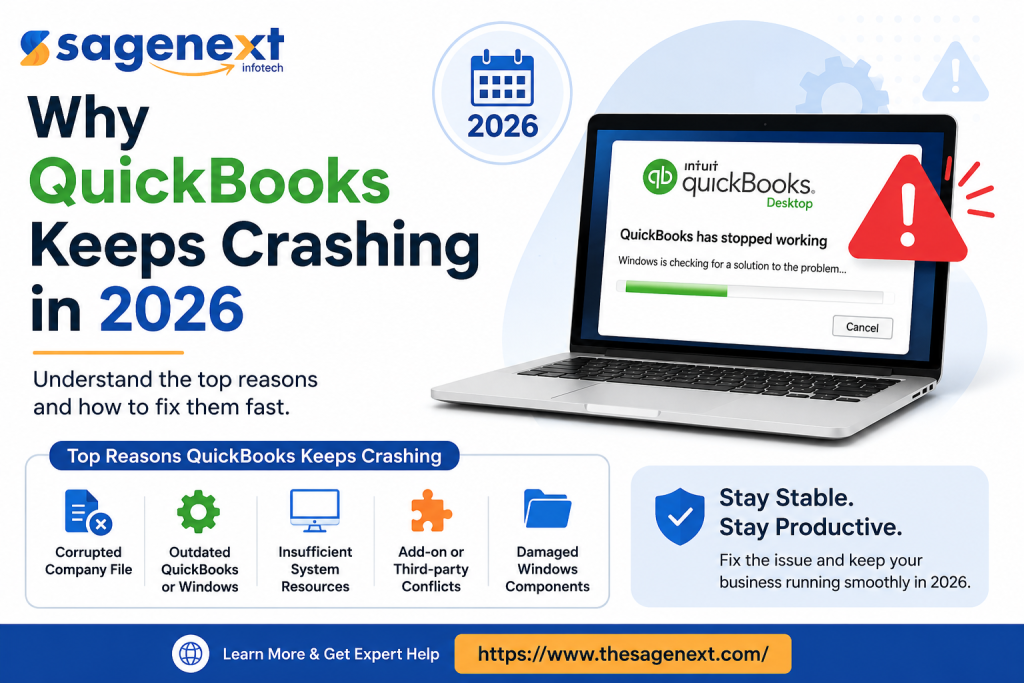
For many companies, QuickBooks remains the primary tool for all accounting activities. However, in 2026, issues such as random crashes, failure to load programs, slowness of performance, and other errors are occurring more often than ever. From handling payroll to opening company files from another computer, dealing with QuickBooks crashes while performing your duties is not only annoying but also detrimental to your productivity.
The truth is that current levels of productivity are simply too advanced for an old-fashioned local system. With large company files, multiple remote users, updated Windows environment, and poor network conditions, there are simply too many factors causing your QuickBooks to fail.
In today’s article, we will analyze why QuickBooks constantly crashes and what can be done to solve the issue.
1. Large Company Files Are Overloading Local Systems
One of the biggest reasons QuickBooks crashes today is oversized company files. As businesses grow, transaction history, inventory records, payroll data, and reports continue to pile up. Older desktop environments struggle to process these large files efficiently.
Common symptoms include:
- QuickBooks freezing during reports
- Sudden shutdowns while opening files
- Slow performance in multi-user mode
- “Not Responding” errors
According to Intuit, large data files can significantly impact software performance and stability.
A practical solution many businesses now use is QuickBooks Desktop Enterprise with Hosting, where the software and company files run on dedicated cloud servers instead of overloaded local computers. This reduces system strain and improves stability for remote teams.
Companies like The Sagenext are seeing increased demand for hosted QuickBooks environments because businesses want faster access, centralized data management, and fewer crash-related interruptions.
2. Windows 11 Compatibility Problems
Another major issue in 2026 is Windows updates. Many QuickBooks users report crashes immediately after system updates or security patches.
Typical issues include:
- QuickBooks closes during startup
- Printer and PDF component failures
- Missing .NET Framework dependencies
- Database server manager conflicts
Microsoft’s frequent updates often affect older QuickBooks installations, especially unsupported desktop versions. Running outdated releases on newer operating systems creates instability.
Official QuickBooks system requirements and compatibility details can be found here:
Keeping QuickBooks updated is important, but relying only on local desktop environments is becoming risky for growing businesses.
3. Multi-User Mode Failures
Multi-user functionality remains one of the most common complaints among accounting teams in 2026.
You may notice:
- Random disconnects from the company file
- Host computer crashes
- H202 or H505 errors
- Delayed synchronization between users
This usually happens because QuickBooks was never originally designed for highly distributed remote work environments. Traditional office networks struggle when multiple remote employees access files through VPNs or unstable internet connections.
This is exactly why QuickBooks Hosting Services are becoming more popular. Instead of routing accounting traffic through local office machines, hosted environments provide centralized cloud access with better uptime and performance.
Hosted solutions from providers like The SageNext allow businesses to securely access QuickBooks from anywhere while reducing common multi-user crashes and database conflicts.
4. Damaged Program Files and Corrupted Data
Sometimes the problem is not the system — it is the QuickBooks installation itself.
Corrupted installation files, damaged network data files (.ND), or broken company file structures can trigger repeated crashes.
Related Blog: QuickBooks Not Working
Some warning signs include:
- Crashes while backing up files
- Errors when rebuilding data
- The company file won’t open
- Frequent unexpected shutdowns
Intuit recommends using built-in repair utilities like:
- QuickBooks Tool Hub
- File Doctor
- Verify and Rebuild Data Tools
Official troubleshooting resources are available here:
Still, repeated corruption issues often point to weak infrastructure or aging local servers rather than just software problems.
5. Weak Hardware and Outdated IT Infrastructure
A lot of businesses still try running modern accounting workloads on old office PCs or entry-level servers. That approach no longer works well in 2026.
QuickBooks Enterprise now handles:
- Large reporting operations
- Payroll automation
- Cloud integrations
- Inventory tracking
- Multi-location access
Older systems simply cannot keep up.
Businesses moving to QuickBooks Desktop Enterprise with Hosting gain access to high-performance cloud infrastructure without constantly upgrading local hardware. This is one reason hosted QuickBooks adoption continues growing among CPA firms, accounting agencies, and multi-location companies.
Final Thoughts
QuickBooks crashing in 2026 is not just a random software bug. In many cases, it is the result of outdated infrastructure, oversized files, remote workforce demands, and increasing system complexity.
Basic troubleshooting may temporarily reduce crashes, but businesses dealing with recurring issues often need a more stable long-term setup.
That is why many organizations are shifting toward secure cloud environments and professional QuickBooks Hosting Services through providers like The SageNext. Hosted environments improve performance, reduce downtime, simplify remote access, and help businesses avoid many of the limitations tied to traditional desktop accounting systems.
If QuickBooks keeps crashing repeatedly, the problem may no longer be the software alone — it may be the environment running it.
Read More: https://viralsocialtrends.com/top-quickbooks-issues-in-2026-whats-breaking-and-how-to-fix-it-fast/