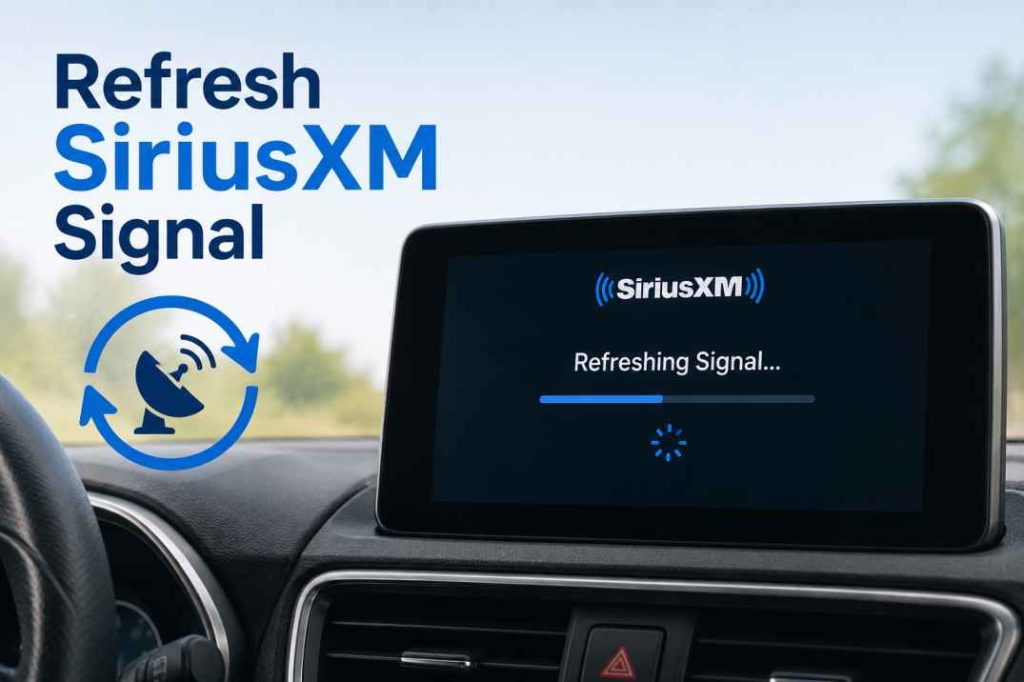
If your SiriusXM radio has been inactive for a while, you may notice missing channels, outdated programming information, or a complete loss of service. Fortunately, one of the quickest solutions is to Refresh SiriusXM Signal and restore your radio connection. Whether your vehicle has been parked for weeks, your subscription was recently renewed, or your radio has not been used regularly, a signal refresh can help get everything working again.
In this guide, you’ll learn why SiriusXM radios lose access after inactivity, how the refresh process works, and the steps you can take to restore your favorite channels quickly.
Why SiriusXM Radios Need a Signal Refresh
SiriusXM satellite radios rely on regular communication with the SiriusXM network. When a radio remains unused for an extended period, it may miss important updates that verify subscription status and channel authorization.
Several situations can trigger the need to Refresh SiriusXM Signal:
Common Reasons for Signal Loss
- The vehicle has been parked or unused for several weeks.
- A subscription was recently renewed or reactivated.
- The radio was disconnected from power or had a dead battery.
In these situations, the radio may not automatically receive the latest authorization signals. Sending a refresh signal helps re-establish communication between the radio and the SiriusXM satellite network.
Signs That Your SiriusXM Signal Needs Refreshing
Before requesting a refresh signal, it helps to identify whether your radio is experiencing symptoms related to inactivity.
Typical Warning Signs
- Missing channels that were previously available.
- “No Signal” or “Acquiring Signal” messages.
- Subscription channels not loading despite an active account.
You may also notice that only preview channels are available while premium channels remain inaccessible. This often indicates that your radio requires a fresh authorization signal.
How the SiriusXM Refresh Process Works
A SiriusXM signal refresh is a process that sends updated subscription information directly to your radio. This signal informs the receiver that your account is active and authorizes access to the channels included in your plan.
The process typically takes only a few minutes, although some radios may require additional time depending on signal strength and location.
What Happens During a Refresh?
- The satellite network sends updated authorization data.
- Your radio receives and processes the information.
- Available channels and services are restored.
For best results, the vehicle should be parked outside with a clear view of the sky while the radio remains powered on.
Steps to Refresh SiriusXM Signal After Radio Inactivity
If your radio has been inactive for a long period, follow these steps carefully.
Step 1: Turn On Your SiriusXM Radio
Start your vehicle and power on the SiriusXM receiver. Tune to the designated preview or information channel if available.
Ensure the antenna has a clear line of sight to the sky. Avoid parking in garages, tunnels, or heavily covered areas during the process.
Step 2: Verify Your Subscription Status
Before attempting to Refresh SiriusXM Signal, confirm that your SiriusXM subscription is active. If your plan recently expired, renew the subscription first.
Once the account is active, you can proceed with the refresh request.
Step 3: Request a Signal Refresh
Submit a signal refresh request using the official SiriusXM refresh service. Keep the radio turned on while the request is being processed.
In many cases, channels begin returning within a few minutes. However, some radios may take up to 20 minutes to fully update.
Tips for a Successful SiriusXM Signal Refresh
While the refresh process is generally straightforward, following a few best practices can improve success rates.
Helpful Recommendations
- Keep the radio powered on during the entire refresh process.
- Park outdoors where the antenna has an unobstructed sky view.
- Wait at least 20 minutes before attempting another refresh request.
Patience is important because the satellite signal may require time to reach and update the receiver.
Troubleshooting After Refreshing Your SiriusXM Signal
If you attempted to Refresh SiriusXM Signal and the issue persists, additional troubleshooting may be necessary.
Check the Antenna Connection
A loose or damaged antenna can prevent your radio from receiving satellite transmissions. Inspect the antenna for visible damage and verify that all connections are secure.
Restart the Radio
Sometimes a simple restart helps the receiver process new authorization information. Turn the radio off, wait a few minutes, and then power it back on.
Confirm Radio Identification Information
Verify that the Radio ID or ESN associated with your SiriusXM account matches the actual receiver installed in your vehicle. Incorrect account information can prevent authorization updates from being delivered correctly.
Preventing Future SiriusXM Signal Issues
Regular use of your SiriusXM radio can reduce the likelihood of authorization problems caused by inactivity.
Best Practices for Long-Term Reliability
- Turn on your SiriusXM radio periodically, even if you rarely drive.
- Keep subscription information current and updated.
- Address signal or antenna issues promptly.
These simple habits help ensure your receiver remains connected and continues receiving the latest updates from SiriusXM.
When to Contact SiriusXM Support
If multiple refresh attempts fail and channels remain unavailable, contacting SiriusXM customer support may be necessary. Support representatives can verify your subscription status, troubleshoot account issues, and determine whether the radio requires additional diagnostics.
In rare cases, hardware-related problems such as antenna failure or receiver malfunction may prevent successful signal updates. Professional assistance can help identify the exact cause and recommend the appropriate solution.
Conclusion
Radio inactivity is one of the most common reasons SiriusXM subscribers experience missing channels or service interruptions. Fortunately, the solution is often simple. By taking a few minutes to Refresh SiriusXM Signal, you can restore channel authorization, update subscription information, and regain access to your favorite programming.
Whether your vehicle has been sitting unused for weeks or your subscription was recently reactivated, a signal refresh is usually the fastest and easiest way to restore service. Following the steps outlined above can help ensure a smooth refresh process and keep your SiriusXM experience running without interruption.